Mazda Hidden Features: Technology & Tricks You May Not Know About
Modern Mazda vehicles are packed with technology, but some of the most useful features aren't always obvious the first time you get behind the wheel.From convenient key fob functions and customizable vehicle settings to the Mazda Commander Control knob, available mirror features and Mazda Connect shortcuts, your Mazda may be capable of much more than you realize.
At 495 Mazda in Lowell, Massachusetts, we love helping drivers from Lowell, Boston and throughout Greater Boston get more out of their Mazda.
If you're shopping for a new Mazda, you can also experience many of these features yourself by exploring our inventory:
Shop New Mazda Inventory:
https://www.495mazda.com/searchnew.aspx
Shop Used Mazda & Used Vehicle Inventory:
https://www.495mazda.com/searchused.aspx
Feature availability and operation can vary depending on model, model year, trim level, equipment and vehicle settings. Always refer to your vehicle's owner's manual for instructions specific to your Mazda.
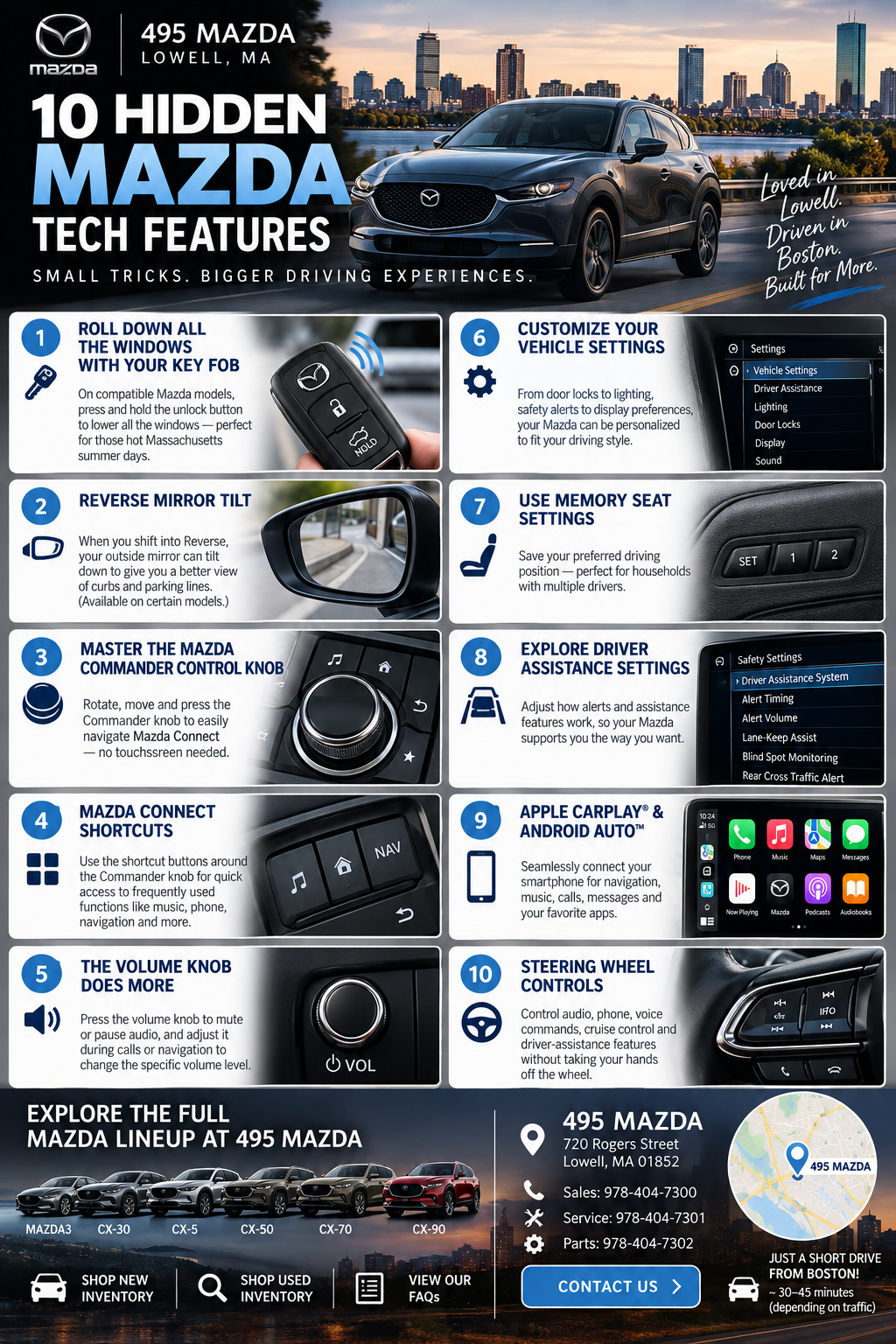
1. Mazda Key Fob Tricks You Might Not Know About
Most drivers use their Mazda key fob to lock and unlock the vehicle, but depending on your Mazda model and model year, there may be additional functions available.Remote Window Operation
One of the Mazda features owners frequently overlook is the ability on certain vehicles to operate the windows remotely using the key fob.This can be particularly useful during a hot Massachusetts summer. Instead of getting into a vehicle that's been sitting in the sun, compatible Mazda models may allow you to lower the windows before getting inside.
Imagine walking out of Fenway Park, leaving the office in Boston or finishing your shopping in Lowell and being able to begin ventilating your Mazda before you climb inside.
Because key fob functionality varies by Mazda model and year, check your owner's manual or ask the team at 495 Mazda to demonstrate the functions available on a specific vehicle.
2. Mazda Reverse Mirror Tilt
Another convenient feature available on certain properly equipped Mazda vehicles is reverse mirror tilt.When backing into a parking space, an outside mirror may tilt downward to provide a better view of the curb, parking lines and area beside the vehicle.
This can be particularly helpful when:
- Parallel parking in Boston
- Backing into a tight garage
- Parking next to a curb
- Navigating narrow parking spaces
- Checking wheel position while reversing
When you return to Drive, the mirror can return to its normal driving position.
It's a small feature that can make a surprisingly big difference during everyday driving.
3. Master the Mazda Commander Control Knob
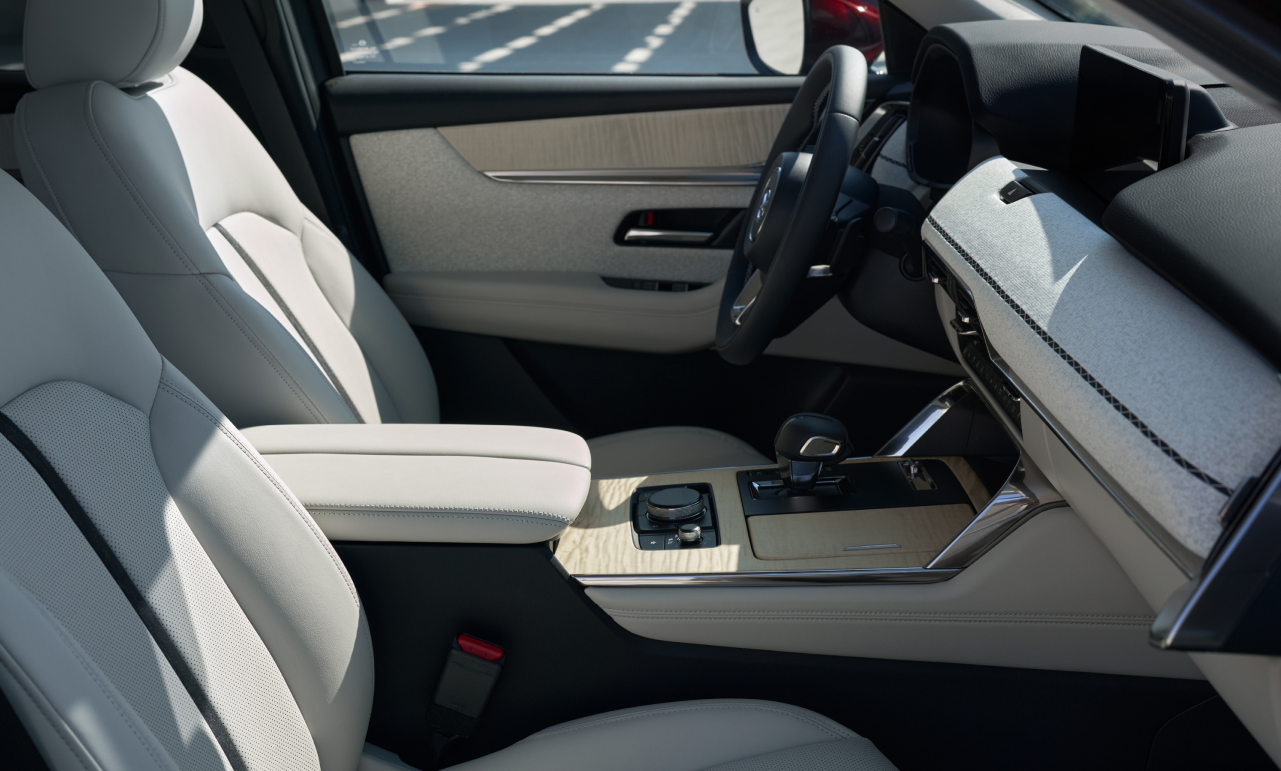
If you're new to Mazda, the Commander Control knob may take a little getting used to—but once you learn it, it can become one of the easiest ways to operate Mazda Connect.Instead of reaching toward the dashboard for every function, the Commander Control system places many infotainment controls within easy reach of the driver.
The main knob can be used to navigate menus by rotating or moving the controller. Pressing the Commander knob selects the highlighted function.
Depending on the vehicle, surrounding shortcut controls can also provide quicker access to frequently used infotainment functions.
Why Does Mazda Use the Commander Control System?
The system is designed to let the driver interact with Mazda Connect using controls conveniently positioned on the center console.You can learn the control layout and operate many common functions through physical movements instead of repeatedly reaching toward the display.
Once you've used it for a few days, navigating through music, phone and vehicle functions can become second nature.
4. Mazda Connect Shortcuts
Don't overlook the shortcut buttons surrounding the Commander Control knob.Depending on your Mazda, these buttons can give you quicker access to commonly used areas of Mazda Connect.
Instead of repeatedly navigating through several menus, you can use the physical controls to move between frequently used functions.
Spend a few minutes learning these controls when you purchase your Mazda. It can save you countless menu clicks later.
5. The Volume Knob Does More Than Adjust Volume
Here's another small Mazda feature that's easy to miss.The center-console volume knob isn't necessarily limited to simply turning the audio up and down.
Mazda documentation notes that pressing the volume knob can mute or pause audio, while pressing it again resumes playback.
The volume control can also behave contextually. For example, adjusting it while voice guidance is speaking changes the guidance volume, while adjusting it during a hands-free phone call changes conversation volume.
That means you can quickly adjust the sound you actually want without digging through a settings menu.
6. Customize Your Mazda's Vehicle Settings
Spend some time exploring your Mazda's settings menu and you may discover several ways to personalize how the vehicle behaves.Depending on model and equipment, customizable settings may relate to features such as:
- Door locking and unlocking behavior
- Exterior lighting
- Interior lighting
- Safety and driver-assistance systems
- Audio preferences
- Display preferences
- Driver convenience settings
- Vehicle notifications
7. Don't Ignore the Memory Seat Settings
If your Mazda is equipped with driver memory settings, use them.This is especially helpful for households where two people regularly drive the same vehicle.
Instead of moving the seat every time you get behind the wheel, compatible memory systems can store preferred driving positions.
It's particularly convenient if there's a major height difference between drivers.
8. Explore Your Mazda's Driver Assistance Settings
Modern Mazda vehicles can include a wide range of available driver-assistance and safety technologies.Depending on the Mazda model and trim, your vehicle may provide settings that let you customize how certain alerts and assistance systems behave.
Take some time to explore these settings rather than simply leaving everything untouched from the day you purchase the vehicle.
The goal isn't necessarily to turn features off—it's to understand what your Mazda is doing and why.
9. Apple CarPlay and Android Auto Make Mazda Connect Even Better
Compatible Mazda vehicles offer smartphone integration through Apple CarPlay and Android Auto, providing convenient access to compatible apps and functions.That can make it easier to access:
- Navigation
- Music
- Podcasts
- Phone calls
- Messages
- Compatible audio apps
- Voice assistants
10. Learn the Steering-Wheel Controls
It's easy to focus on the center display and forget how many functions are available directly from the steering wheel.Depending on your Mazda, steering-wheel controls may give you quick access to functions involving:
- Audio volume
- Track or station selection
- Phone functions
- Voice commands
- Cruise control
- Driver-assistance systems
- Information displays
Which Mazda Models Have These Hidden Technology Features?
Feature availability varies considerably by model year, trim and equipment, but shoppers should explore the technology available throughout today's Mazda lineup.At 495 Mazda, you'll find popular Mazda models such as:
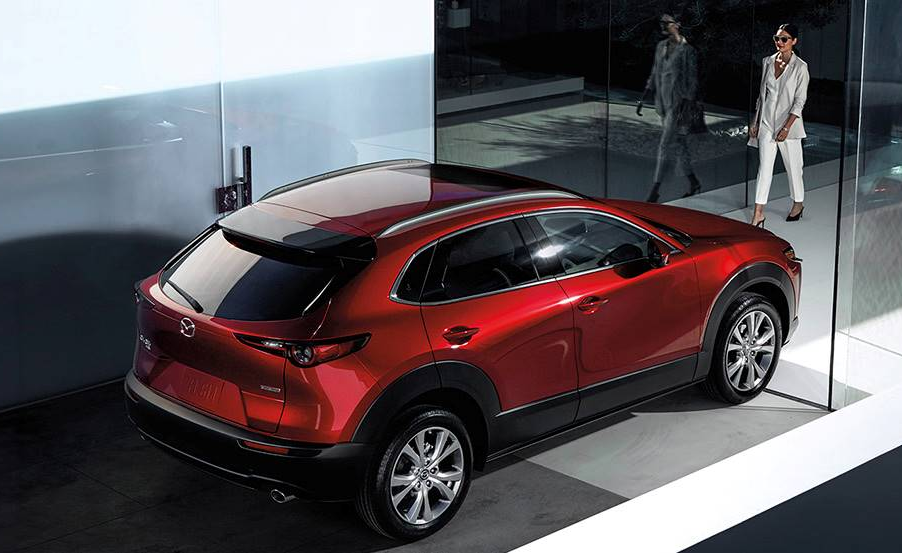
Mazda CX-30 – Compact crossover combining upscale design with everyday versatility.
Mazda CX-5 – A popular Mazda SUV offering an engaging driving experience, attractive interior and useful technology.
Mazda CX-50 – An adventurous Mazda crossover with rugged styling and available features designed for active lifestyles.
Mazda CX-70 – A spacious two-row SUV offering premium design and advanced technology.
Mazda CX-90 – Mazda's three-row SUV designed for families looking for additional passenger and cargo space.
Mazda3 Sedan & Hatchback – Sporty compact models that bring Mazda driving dynamics and premium design to a smaller package.
Explore current availability here:
View New Mazda Inventory:
https://www.495mazda.com/searchnew.aspx
Discover Mazda Technology at 495 Mazda in Lowell, MA
Reading about Mazda technology is helpful. Sitting inside a Mazda and trying everything yourself is even better.At 495 Mazda, our team can help Greater Boston and Lowell shoppers explore Mazda technology and compare features across different models and trim levels.
Whether you're comparing the Mazda CX-30, CX-5, CX-50, CX-70, CX-90 or Mazda3, ask us to show you the technology available on the vehicle you're considering.
You might discover a feature you didn't even know you wanted.
Frequently Asked Questions About Mazda Hidden Features
Does Mazda have hidden features?
Mazda vehicles can include convenience functions and customizable settings that owners may not immediately discover. Available functions vary by model, trim, model year and equipment, so your owner's manual is the best source for vehicle-specific instructions.Can I roll down my Mazda windows with the key fob?
Remote window functionality is available on certain Mazda vehicles. The exact procedure and availability depend on the vehicle and model year. Consult the owner's manual for your specific Mazda before attempting to use the feature.What is the Mazda Commander Control knob?
The Commander Control knob is a center-console controller used to navigate compatible Mazda Connect functions. Rotate or move the controller to navigate available functions and press the knob to select a highlighted item.Can I use Mazda Connect without touching the screen?
On Mazda vehicles equipped with Commander Control, many Mazda Connect functions can be operated through the physical center-console controls. Touchscreen functionality varies by model, model year and operating situation.Why does my Mazda mirror move when I put the vehicle in Reverse?
Certain properly equipped Mazda vehicles offer a reverse mirror function designed to improve visibility beside the vehicle when backing up. Availability and operation vary by model.Does Mazda have Apple CarPlay and Android Auto?
Compatible Mazda vehicles offer Apple CarPlay and Android Auto integration. Availability, wired versus wireless connectivity and functionality depend on the model, year and equipment.Can Mazda vehicle settings be customized?
Many Mazda vehicles provide customizable settings for certain convenience, lighting, safety, display and vehicle functions. Available settings vary by model and equipment.Can 495 Mazda show me how these features work?
Yes. When shopping at 495 Mazda, ask the sales team to demonstrate the technology available on the specific Mazda you're considering. This is especially helpful because features can vary between trim levels and model years.Mazda Dealer Near Boston, MA
Looking for a Mazda dealer near Boston?495 Mazda is located at:
495 Mazda
720 Rogers Street
Lowell, MA 01852
Drivers traveling from Boston can head north toward the Lowell area and follow their preferred navigation route to Rogers Street in Lowell. Travel time varies significantly with Greater Boston traffic, so we recommend checking current navigation before leaving.
Once you arrive, you can compare Mazda SUVs, crossovers, sedans and hatchbacks while exploring the technology available in each vehicle.
Mazda Dealer in Lowell, MA
For Lowell-area drivers, 495 Mazda is conveniently located at 720 Rogers Street in Lowell.We also serve Mazda shoppers throughout Greater Lowell and surrounding Massachusetts communities, including Chelmsford, Tewksbury, Billerica, Andover and the Greater Boston region.
Contact 495 Mazda
Have questions about Mazda technology, a specific Mazda model or which trim includes the features you're looking for?Contact the team at 495 Mazda.
495 Mazda
720 Rogers Street
Lowell, MA 01852
Sales: 978-404-7300
Service: 978-404-7301
Parts: 978-404-7302
Contact 495 Mazda:
https://www.495mazda.com/contactus.aspx
Shop New Mazda Inventory:
https://www.495mazda.com/searchnew.aspx
Shop Used Vehicle Inventory:
https://www.495mazda.com/searchused.aspx
Whether you're coming from Lowell, Boston or elsewhere in Greater Boston, visit 495 Mazda and discover the features, technology and thoughtful details built into today's Mazda lineup.
You may know your Mazda. But there's a good chance your Mazda can do something you haven't discovered yet.